

Voice Finding
Radiology reports, now done by voice.
Voice editor · AI findings · structured report builder ·
and one-key PACS input: the all-in-one solution for radiologists
One app, five powerful modules
Editor · AI Reader · Repository · Converter · Settings —
everything you need for reading, solved by Voice Finding alone.
Voice Editor
Editor
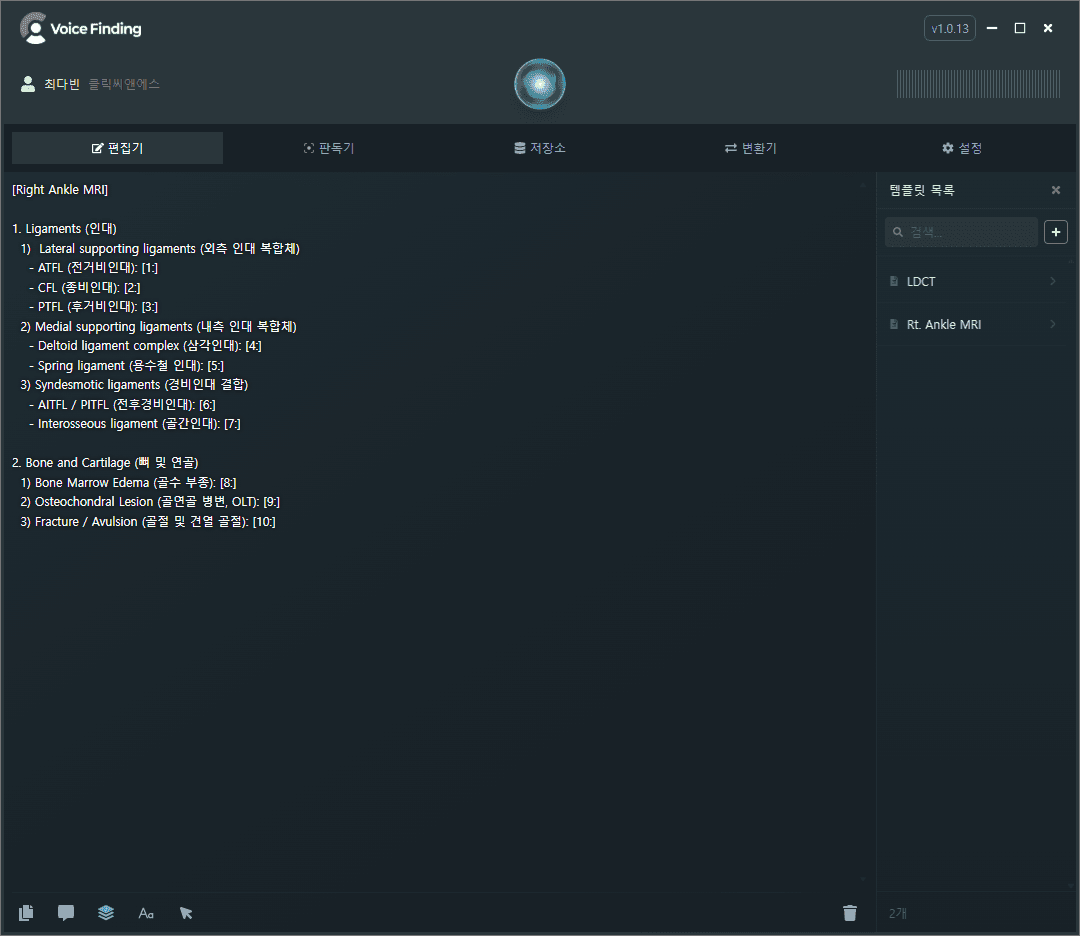
A 16 kHz radiology-tuned speech engine turns findings into text in real time. Single and 3-panel modes (Reading / Conclusion / Recommend) are supported, and a 15-step pipeline handles units, medical abbreviations and date formats automatically.
- Single / 3-panel mode (Reading · Conclusion · Recommend)
- Automatic text pipeline
- Voice commands: delete · copy · move field · new line
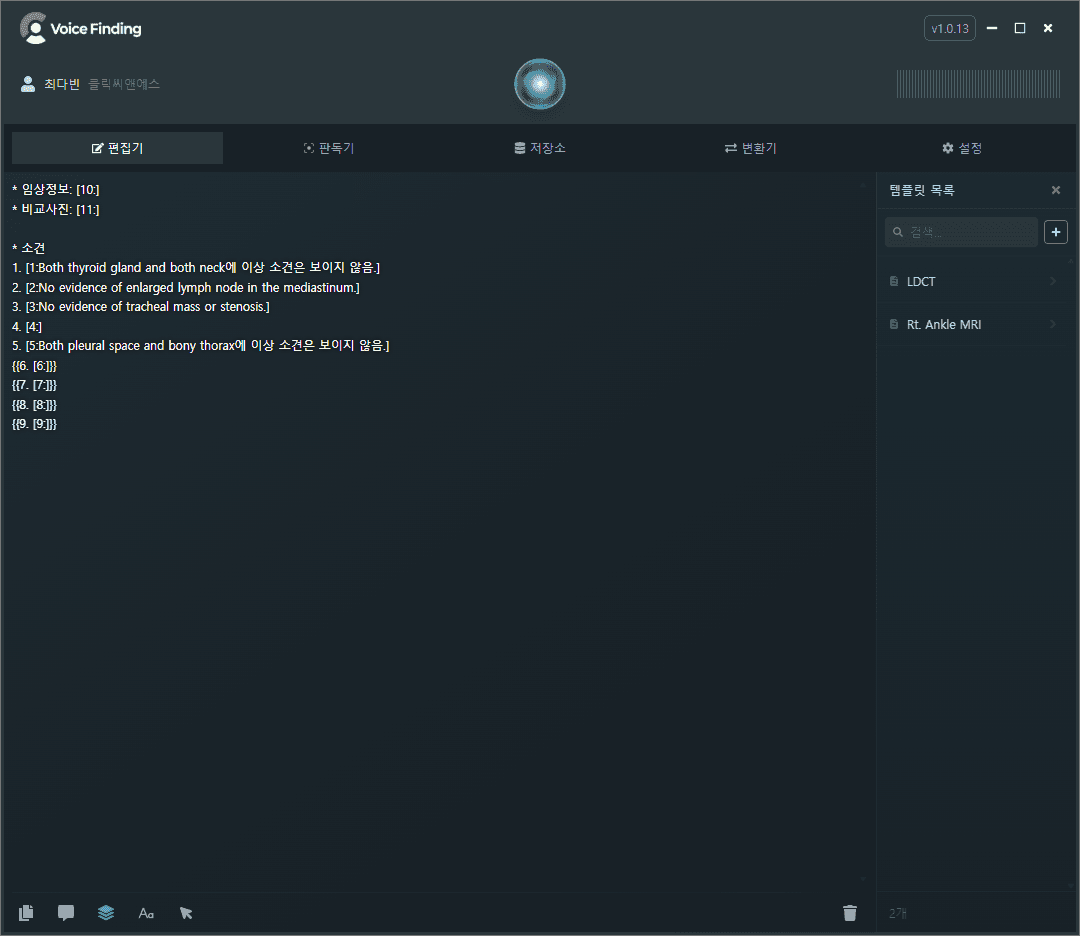
- Templates: voice call-up + jump by field number
- Pauses and resumes automatically when you type
Use it in these situations
Optimized workflows for every radiology reading scenario
General reading
Speak your findings → real-time conversion → 15-step auto correction → paste into PACS with a shortcut. 20–30% faster than before.
Structured reading
Enter level-by-level findings by click or shortcut with Sentence Builder. Five builders such as DISC and Central Canal generate conclusions for a standardized report.
AI-assisted reading
Capture part of the PACS screen and a multimodal LLM generates findings. Ask follow-ups by voice and bring results into the editor.
Cursor input mode
No copy-paste: Voice Finding types directly into the PACS field in real time. Use it like a widget over PACS with always-on-top and transparency.
Why Voice Finding?
Beyond simple STT, AI reading · structured reports · PACS integration —
we transform every part of reading work
Experience a new standard in reading
Voice editor · AI findings · structured reports ·
and one-key PACS input — all in one app.